
Build Your Whole Website Without Waiting on a Web Guy
Most small business websites are three years old, awkward to change, and cost money every time a word needs altering. Here is how to build one yourself, put it on your own domain, and have it take bookings while you sleep.
Ask a small business owner about their website and you get one of three answers. There is the one who has a website and has not looked at it since it went live, because the man who built it stopped replying to emails in 2023. There is the one whose website is a Facebook page. And there is the one who has been meaning to sort it out for two years, has a folder of photos ready, and has never got past the part where you have to choose a template.
All three are losing the same thing. Not sales they can see, which is the frustrating part. They are losing the person who searched for what they do, found somebody else who looked more like a real business, and booked with them instead. That person never appears in your inbox to be counted.
A website has one job, and it is not looking pretty
Your website is the place someone lands when they are deciding whether to trust you with their money. That is the whole job. Everything else is decoration on top of it.
Which means the questions it needs to answer are boring and specific. What do you do. Where are you. What does it cost. Are you a real business with real customers. And, if I have decided, how do I book you right now, at eleven o'clock at night, without waiting for you to open in the morning.
Most small business websites answer the first four and fail the fifth. They have a contact form that lands in an inbox nobody watches, or a phone number and nothing else. Somebody who was ready to buy is asked to wait, and waiting is where buying intent goes to die.
Website or landing page, because they are not the same thing
These two get muddled constantly, and building the wrong one is why a lot of small business sites underperform.
| Website | Landing page | |
|---|---|---|
| Shape | Many pages, one shared menu and footer | A single page with no menu and no exits |
| Job | Be found, be browsed, be trusted | Drive one action |
| Visitor | Looking you up, comparing, deciding | Arrived from an ad, an email or a QR code |
| How often | Build it once, keep it current | Spin up a new one per campaign |
A website is your permanent address. Home, About, Services, Contact, all linked so a visitor can wander around and talk themselves into you. A landing page is a corridor with a door at the end. Every link you add to a landing page is another way for someone to leave without doing the thing you built it for.
The rule of thumb: build your website once as your home base, and spin up landing pages whenever you run a campaign. Most businesses should be running both, and linking between them.
Building it, page by page
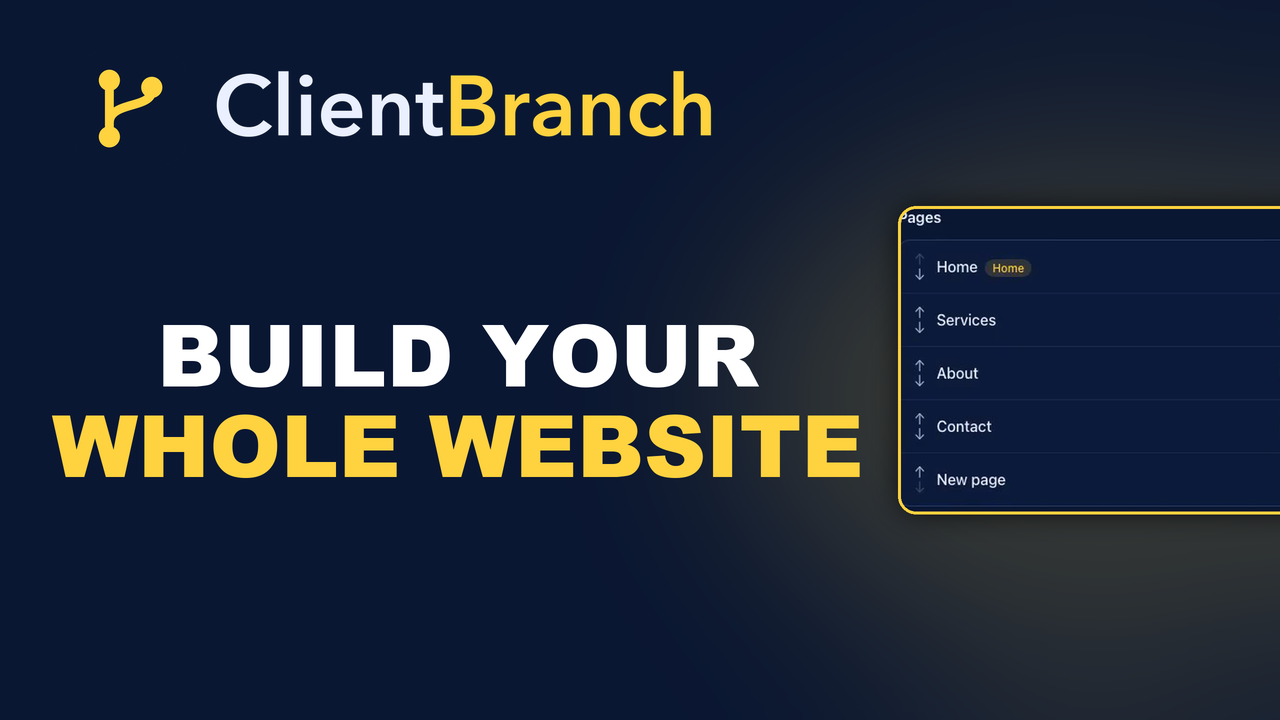
In ClientBranch the Website builder sits under Sites, and it opens with a Home page already waiting for you. You hit Add Page for each one you need, and each opens in the same block editor the landing pages use. Add a section, reorder it, edit the words in it.
The part that saves the most time is what you do not have to build. The menu and the footer wrap every page automatically, so you are only ever building the body of a page. Add an About page and it appears in the menu on every other page without you touching a navigation setting. Drag the pages up and down to change the order they appear in, and toggle any page off the menu if it should exist without being advertised.
If the blank page is the thing that has stopped you before, use Draft with AI. Tell it what the page is for and it comes back with a full structure and real copy. Treat it as a first draft rather than a finished page, because a website that reads like everybody else's builds exactly as much trust as everybody else's. But a structure to react to is far easier than an empty screen, and reacting is the part most people can do.
Set your brand once, not on every page
Your site name, your logo, your accent color and your footer text are set in one place and apply everywhere. Change the logo and it changes on all nine pages. This sounds obvious until you have used a builder where it is not, and you are editing the same footer nine times because you changed a phone number.
Pick which page loads at the root of your domain with Set as home. It does not have to be the page called Home. Plenty of service businesses are better off with their Services page as the front door.
The part that separates it from a website builder
Here is what a normal website builder gives you: a nice looking site and a contact form that emails you. Everything after that email is your problem.
Because these pages are made from the same blocks as the rest of the platform, they can carry a booking calendar, a lead form, and payment blocks right in the page. So a visitor reading your Services page can pick a slot that is genuinely free in your diary, or pay for a session, without ever leaving your website or waiting for you.
And every one of those people becomes a real contact record. Not a form submission in an email folder. A contact with their name, their email, their phone number, and what they booked or bought attached to them. Which means the fifty people who enquired through your website this year are a list you can email in a quiet week, rather than fifty emails you would have to go and dig out one at a time.
That is the difference between a website that sits there and a website that feeds the business. Same pages, same photos. The traffic goes somewhere instead of stopping.
Drafts, previews and the one thing that catches people out
Every page is a draft until you publish it, and drafts stay hidden. You can build the whole thing over three evenings and nobody sees a half finished About page.
The bit worth knowing before it confuses you: your site is not reachable until the Home page is published. The View site button will keep telling you it is not live yet, and people assume something is broken. Publish the home page and the site is live. Publish the rest as they are ready.
Before any of that, use Preview. It opens any page, draft or published, at a real URL that only you can open. Send yourself the link and look at it on your phone, because most of the people deciding whether to book you are holding one.
Put it on your own domain
Your site is live on a clean ClientBranch address for free from the moment you publish. That is fine to start with, and it is not where you want to end up.
Point your own domain at it and the whole site, every page, serves on yourbusiness.com with SSL handled for you. Enter the domain you own, add the one DNS record it shows you, and hit Verify.
This matters more than it looks. Every link anyone ever makes to your site, every search result you earn, every card you hand out builds the value of a domain you own. Do it on somebody else's address and you are building their asset with your work, and you will find out how much that mattered on the day you want to move.
Your blog lives here too
Under the same Sites menu is the Blog, and it belongs in the same conversation. Nobody searches for your business by name until they already know it exists. They search for the problem you fix. A website tells the people who found you that you are real. A blog is how they find you in the first place, and it runs on your own domain for exactly the same reason your site should.
Start with four pages
You do not need the site you have been imagining for two years. You need four pages and a booking button.
Home, so people know what they landed on. Services, with prices, because the businesses that hide prices lose to the ones that do not. About, with a photo of an actual person, because that is the page people read before spending money with a stranger. Contact, with a booking calendar in it rather than a form.
Publish those four this week. Add to it when you have something to add. A live four page site with a working booking button beats the perfect nine page site that is still a folder of photos on your desktop, and it beats it by a distance that only gets wider every month it stays unpublished.
Start your free trial of ClientBranch and build it yourself this weekend.
Try ClientBranch free for 15 days
Get booked, get paid, and keep clients coming back, all from one place. No card required, cancel anytime.
Start my 15-day free trial