
The List You Already Have Is Worth More Than the Ads
Most small businesses are sitting on hundreds of people who chose them once and never heard from them again, while paying to reach strangers. Here is how to send the email in twenty minutes without touching any HTML.
Almost every small business is sitting on a list it never uses. A few hundred people who booked once, bought once, or filled in a form eighteen months ago. All of them chose you at some point, and none of them have heard from you since.
Meanwhile the same business is paying for ads to reach strangers.
The reason the list goes unused is rarely that people do not believe in email. It is that sending one feels like a project. You have to think of something to say, then wrestle with a template, then work out who to send it to, then convince yourself it is good enough. Four separate reasons to leave it until next week.
Write it without touching a line of HTML
Start with the part that stops most people, which is the design.
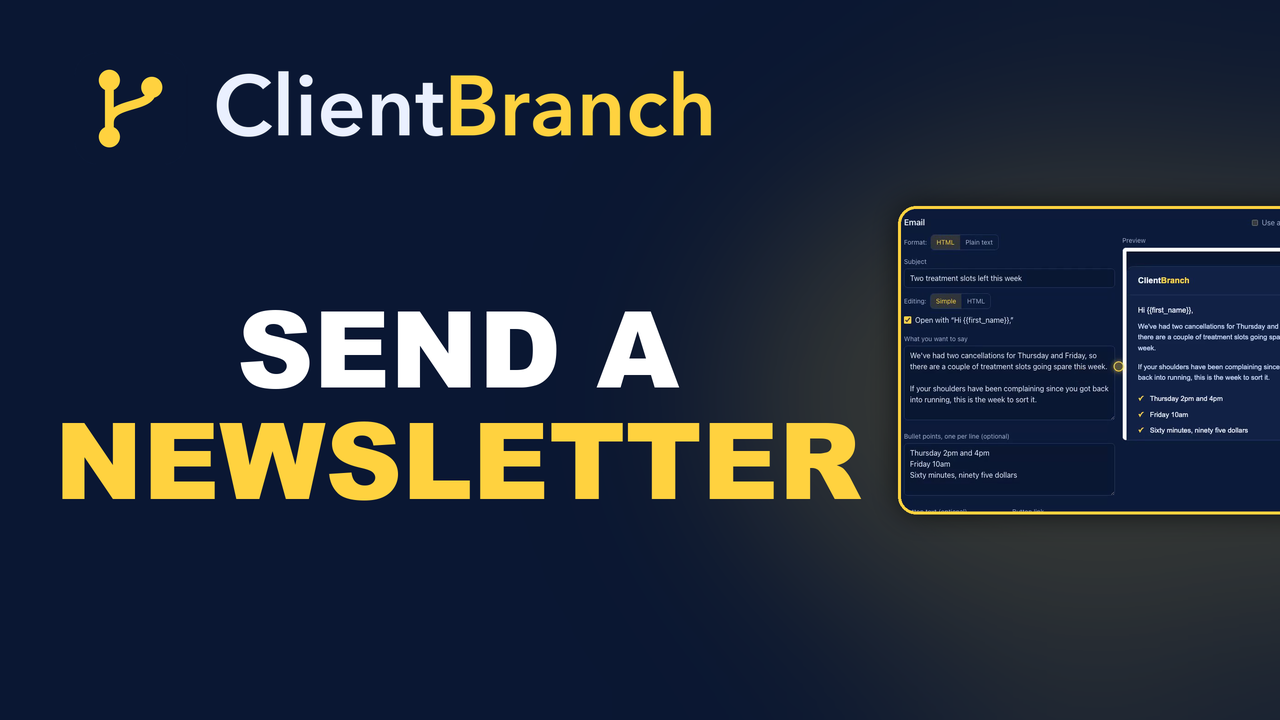
A new email opens in Simple mode. You fill in your paragraphs, add bullet points where you need them, toggle the personalized greeting, and give it a button with a label and a link. That is the whole interface. ClientBranch wraps what you wrote in your branding.
There is an HTML toggle one click away if you want full control, and switching between the two never loses what you have already written. But the point is that you should be able to send a good looking email without opening a design tool or knowing what a table cell is.
Templates are for the emails you send more than once
Templates are reusable branded emails you build once. The monthly newsletter shell. The "we have a cancellation this Friday" note. The post appointment follow up.
Use {{first_name}} to personalize, and a live preview shows you what it looks like as you type.
The part people miss: the same templates power your automation steps. So the welcome email you designed once is the same one a drip sequence sends at two in the morning to somebody who just booked. Build it in one place, use it in both.
Aim it at the right people, two ways round
A campaign is a newsletter or a broadcast, and picking who gets it works in whichever direction your head is already going.
Start from the campaign: choose all contacts, a tag, or a smart list, and the recipient count updates live as you narrow it.
Or start from the people. Filter your Contacts page down to exactly who you mean, then hit Email all, and a new campaign opens already aimed at that group.
That second route is the one that gets used, because it matches how the thought arrives. You do not wake up wanting to send a campaign. You wake up thinking "I should tell everyone who came to the workshop that the next one is open."
Smaller and more specific beats bigger
The instinct with a list is to mail everybody, because a bigger number feels like a better send. It is usually the opposite.
An email to eleven hundred people that could have been written by anybody, about anything, gets ignored and costs you a handful of unsubscribes. An email to the ninety people tagged "weddings", about a wedding thing, reads like you are talking to them, because you are.
This is why tagging on the way in matters so much. If your forms, your events and your bookings are all putting tags on contacts as they arrive, then a year later you have a dozen specific audiences instead of one undifferentiated pile.
Send it now, or write four on a Sunday
Hit Send now, or tick Schedule for later and pick a time.
Scheduling is what turns email from a task into a habit. The realistic version of consistency for most small businesses is not writing something every Tuesday morning. It is sitting down once, writing four, scheduling them a week apart, and forgetting about it until the next quiet Sunday.
Then look at what happened
Open any sent campaign and the results panel tells you how it went, starting with how many were delivered, and a per recipient list so you can see it person by person rather than as one number.
The habit worth building is comparing sends rather than staring at any single one. Which subject lines pulled. Which offers got a response. Two sends tell you nothing, ten tell you what your list responds to, and that only works if every send stays together in the same place instead of scattered across whatever you were using at the time.
Unsubscribes are working correctly
Every marketing email carries an unsubscribe link automatically, and anyone who uses it stops getting your newsletters and marketing emails. They stay on your lists with their tags, and they still get the emails they need, like booking confirmations, reminders and receipts.
Watching people leave stings, and it should not. A list of four hundred people who want to hear from you is worth more than a list of eleven hundred where seven hundred resent you slightly. The people leaving were never going to buy, and every one of them was a small drag on whether your emails reached the inbox at all.
The one email to send this week
Do not start with a newsletter. Newsletters are a commitment and they are the reason most people never send the first one.
Send one email to one group. Everybody who booked you in the last year, saying what you have got coming up and how to grab it. Six sentences and a button.
It will take you twenty minutes, it will go to people who already like you, and it costs nothing to reach them. If it does not do anything, you have lost twenty minutes. If it does, you have found out that the answer to a quiet month was sitting in your contacts the whole time.
Start your free trial of ClientBranch and send that email this week.
Try ClientBranch free for 15 days
Get booked, get paid, and keep clients coming back, all from one place. No card required, cancel anytime.
Start my 15-day free trial