
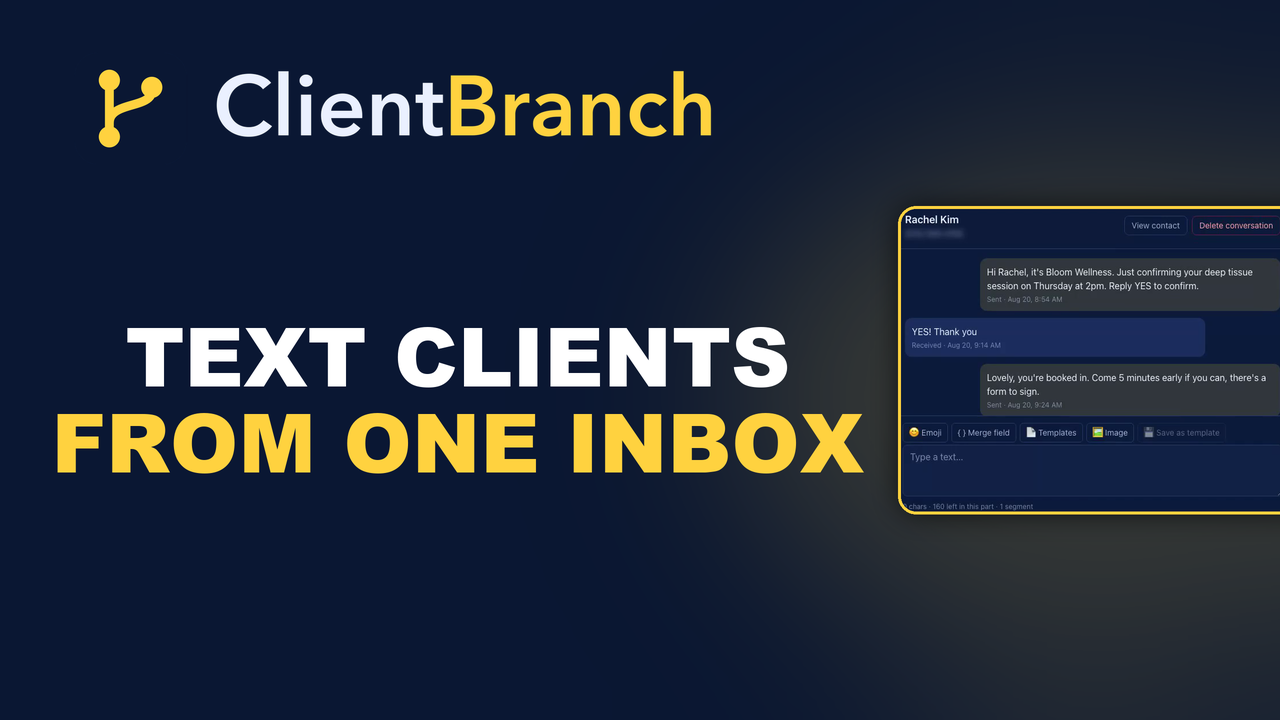
Every Reply In One Thread, Not Four Apps
The history of your relationship with a client should not be split across a phone, an inbox and a social app. Here is what happens when it is not.
Try this. Pick a client you have worked with for a year and try to reconstruct everything you agreed with them.
Some of it is email. Some is a text thread on your personal phone. There was a Facebook message in there somewhere about moving a date. The price you settled on was verbal, on a call, and you wrote it on a receipt. You can piece it together in about ten minutes if you have all three devices in front of you, and not at all if you are standing in a car park.
That is not a memory problem. It is a filing problem, and it happens because the conversation was never in one place to begin with.
Why the split happens
Nobody chooses it. It accretes. You start with email because that is what a website contact form sends. Then a client texts you because texting is what people do, and you answer from your own phone because that is where the text arrived. Then somebody messages your business page and you reply there because replying is faster than moving them.
Every one of those decisions was correct at the time. The sum of them is a client relationship stored in four places, none of which can see the others.
What a thread should be
In ClientBranch, Conversations is a single thread per person. Email they sent you, texts you sent them, replies coming back, in one scroll, newest at the bottom, with the channel marked on each message.
The change that makes is smaller than it sounds and bigger than it sounds at the same time. It does not give you a new capability. You could already send an email and send a text. What it gives you is the ability to open one screen before a call and see the whole story in the order it happened.
You stop starting messages with "sorry, remind me where we got to".
Texting, without handing out your own number
The texting side needs a number of its own. Carriers require every business number to be registered and verified before messages flow, which is a one time setup under Settings, then Phone. It takes some paperwork and a wait, and there is nothing anybody can do to skip it.
What you get at the end is worth the wait:
- Texts go out from a business number, not your personal cell, so your own number stays yours.
- Replies come back into Conversations rather than into your pocket, which means you can answer them from a laptop with a proper keyboard.
- If somebody else works with you, they can see and answer the thread, so a reply does not wait for the one person who owns the phone to come back from vacation.
Until that verification is done, SMS steps in your automations simulate instead of sending. Nothing breaks while you wait, and nothing goes out half configured.
Sending one, in practice
The mechanics are deliberately dull, which is what you want from something you will do forty times a week.
- Open Conversations and pick the person, or start a new conversation and choose a contact.
- Choose the channel at the bottom of the thread. Email or text.
- Type it and send. The message appears in the thread immediately, marked with the channel it went out on.
- Their reply lands back in the same thread, and the notification bell goes gold.
No separate compose window, no picking an address out of a list, no wondering which of their three email addresses you used last time.
The part people underestimate: read rates
Email open rates for a small business hover somewhere in the twenties or thirties depending on who you ask and how honest their sample is. Text messages get read, and they get read fast, because almost nobody has a backlog of unread texts.
The mistake is concluding from that that everything should be a text. It should not. Text is for things that are short and time bound: a reminder, a confirmation, "running fifteen minutes late", "your invoice is paid, thank you". Email is for anything with an attachment, a link worth reading, or more than three sentences.
Having both in one thread means you can pick per message instead of per client, which is the right level to decide at.
Consent is not optional and not complicated
You need permission to text somebody for marketing, and the rules are stricter than they are for email. ClientBranch tracks consent on the contact record, and a contact who has opted out of marketing stops receiving marketing messages while still getting the transactional ones they need, like a booking reminder for an appointment they made.
Those two settings are genuinely different, and confusing them is how businesses end up either sending things they should not, or accidentally muting a reminder somebody was relying on.
What this looks like six months in
Two things change, and neither is dramatic on any given day.
First, your phone stops being a work device in the evenings. Client texts arrive in a system you can close, which is a different feeling from client texts arriving in the same app your family uses.
Second, handover becomes possible. The moment you bring in help, even one person a few hours a week, they can pick up a thread and see everything. Before, the entire history lived on a device only you had, and delegating meant narrating a year of context out loud.
Start with the number
Everything else here is a five minute job. The number is the long pole, so start it today even if you do not intend to text anybody until next month. Go to Settings, then Phone, get the registration submitted, and let it run in the background while you carry on working.
The video at the top walks through sending a first message and what the reply looks like coming back. The Conversations guide covers the inbox in writing, and the Phone and SMS setup guide has the verification steps in order.
Try ClientBranch free for 15 days
Get booked, get paid, and keep clients coming back, all from one place. No card required, cancel anytime.
Start my 15-day free trial