
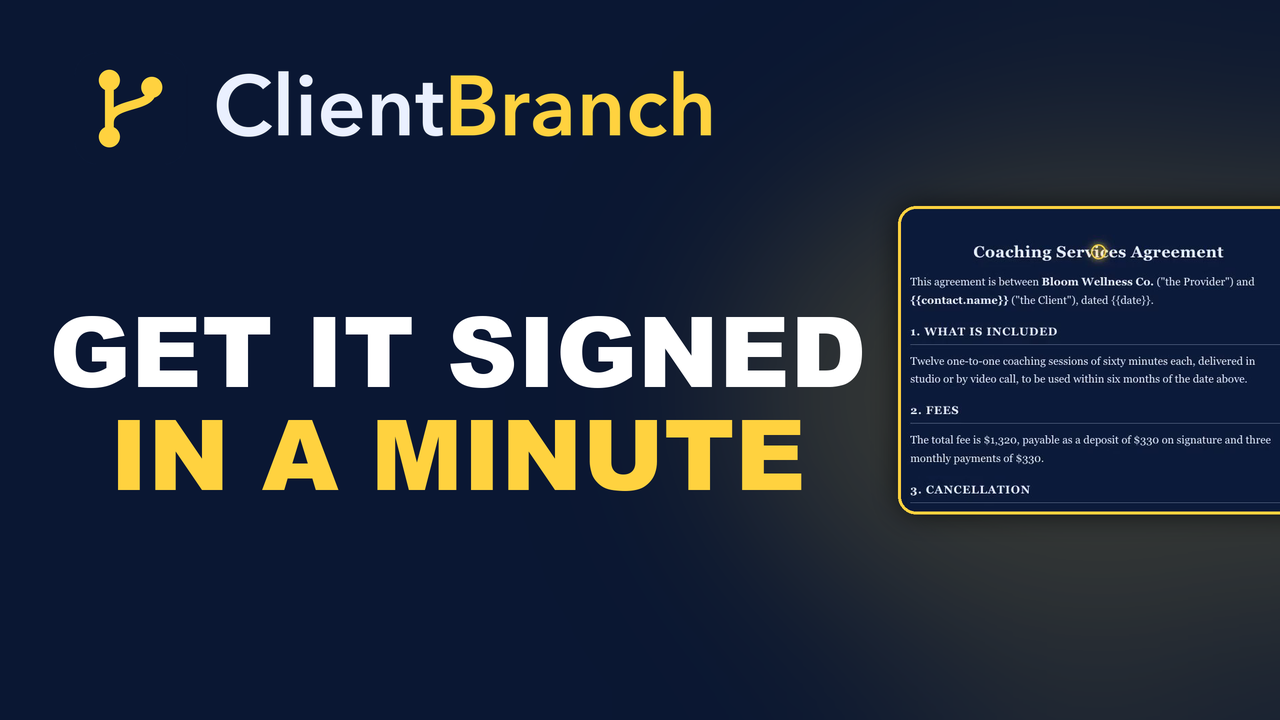
Get Agreements Signed Before the Job Starts
Most small business disputes are two people remembering a conversation differently. Here is how to send a contract that fills itself in, gets signed on a phone in a minute, and is frozen the moment it goes out.
Most small business disputes are not about dishonesty. They are about two people remembering a conversation differently, six weeks later, when money is involved.
You said the price included travel. They remember it as extra. You said two hours, they heard the whole afternoon. Neither of you is lying. You just agreed the job in a text thread on a Tuesday and neither of you wrote it down properly.
People skip contracts because sending one is a hassle
Nobody thinks contracts are a bad idea. They skip them because of what sending one used to involve.
Find last year's document. Open it in a word processor. Search for the previous client's name and replace it, hoping you got all of them. Export a PDF. Email it. Wait. They print it, find a pen, sign it, then photograph it at an angle in bad light and send it back. Or more likely, they mean to and never do, and you start the job anyway because the date is coming up.
Every one of those steps is a place it stops. So a five minute job becomes a three day one, and eventually you decide this particular client seems fine and you skip it.
Start from a template, or bring your own document
Open Payments, then Contracts, then New from template and there are ready made agreements to start from: Performance and Event, General Service, Independent Contractor, Performer, NDA, Booking, and a Short Term Rental Agreement for hosts.
You are not limited to those. You can build any document of your own and send it the same way, which matters more than it looks, because the thing you most need signed is often not a contract at all.
It fills itself in from the contact
This is the step that removes the find and replace problem, and with it the classic mistake of sending a client a document with the previous client's name still buried in paragraph nine.
Pick a contact and every merge field in the document fills in automatically. Their name, their business, the event details, and any custom fields you keep on your contacts.
Whatever the contact does not cover appears in a fill in the blanks panel, so instead of hunting through the document for the gaps, you get a short list of them to type in.
Merge fields look like {{contact.first_name}}, and you never need to remember the syntax. Insert field lets you drop in more from the contact, from your business details, or from the contract itself.
Signers, CCs, and no account required
Add your recipients. Signers have to sign. CC recipients just get a copy of the finished document, which is how you loop in a venue, a manager or a parent without asking them to do anything.
Hit send for signature and each signer gets their own private link. They open it, draw or type their signature, submit, and they are done.
No account. No app to install. No password to create for a thing they will use exactly once. That single detail is most of the difference between a contract that comes back in a minute and one that comes back never.
When everyone has signed, it is marked completed and a signed copy is emailed to all parties automatically. Nobody has to remember to send it on.
The document is frozen the moment you send it
This is the part worth understanding, because it is the bit that protects you.
When you send a contract, the merged document is frozen. Signers sign exactly what was in front of them, and the signed copy never changes afterward, even if you edit that contact next week.
So there is no version of events where the document quietly became something else after the fact. What they signed is what exists, permanently.
Every signature carries an audit trail
Each signature is recorded with the name, the time, and the IP address it came from.
You will almost certainly never need it. But the whole value of a signed agreement is what it does in the small number of cases where somebody genuinely disputes what was agreed, and "they typed their name into a box" is a much weaker position than a timestamped record attached to a frozen document.
Save the version you edited
You will tweak the template. Everyone does, because your cancellation terms are yours and the standard wording is never quite it.
Once you have got it how you want it, use save as template and it becomes your own reusable one. Do that once per type of work you sell and the job goes from editing a document to picking a contact and pressing send.
The documents that are not contracts
Since you can build any document and get it signed the same way, this covers most of the paperwork a small business quietly runs on paper.
Client intake forms. Waivers. Photo and video consent. Medical questionnaires. Policy acknowledgments. All the things that currently exist as a clipboard by the door and eat the first five minutes of every appointment, or that you have been meaning to sort out properly since you started.
Sent ahead of time, signed on their phone the night before, sitting on their record when they walk in.
Do the one that would have hurt most
You do not need to paper your whole business this week.
Think about the job that went wrong, or nearly did. The one where the scope crept, or the cancellation cost you a day you could not refill, or somebody queried the invoice. Build that one contract, save it as your template, and send it on the next booking of that type.
It takes about a minute once it exists, which is the point. A contract that takes a minute gets sent. A contract that takes three days gets skipped, and the one time you skip it is the one time you needed it.
Start your free trial of ClientBranch and get your next agreement signed before the job starts.
Try ClientBranch free for 15 days
Get booked, get paid, and keep clients coming back, all from one place. No card required, cancel anytime.
Start my 15-day free trial