
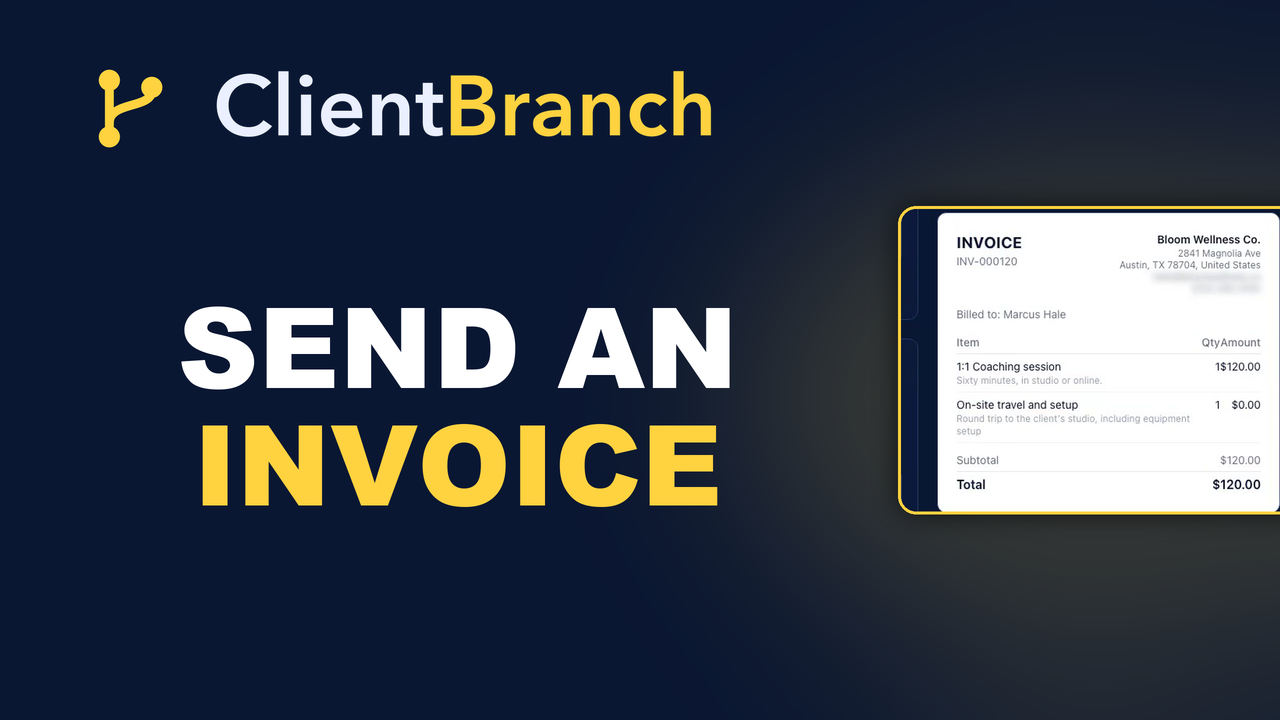
Why Your Invoices Sit Unpaid, and the One Button That Fixes It
Almost nobody is refusing to pay you. They just opened a PDF, saw bank details, and put it in the later pile. Here is how to take seven steps down to one.
The job is finished. They were delighted. And then you sent the invoice, and everything went quiet.
Not because they will not pay. Almost nobody is refusing. It is that your invoice arrived as a PDF attachment, and paying it means opening the attachment, finding the bank details, opening the banking app, typing a sort code, typing an account number, typing a reference, and getting all of it right. Seven steps, on a phone, while doing something else. So it moves to the "I'll do that later" pile, and later is a place invoices go to age.
Then you have the worst job in the business, which is chasing a nice person for money they already intend to give you.
Getting paid late is usually a design problem
Every step between the invoice landing and the money moving is a place the payment can stall. Most small businesses have seven of them and blame the client.
Take the same invoice and put a pay button on it, and the seven steps become one. They open the email, they tap, they pay with the card already saved in their phone. The whole thing happens in the ten seconds they were looking at your email anyway, which is the only ten seconds you were ever guaranteed.
Nothing about your work changed. You just stopped asking somebody to do admin in order to give you money.
Sending one takes about a minute
Go to Payments, then Invoices, then New invoice. Pick the contact, or add a new one right there without leaving the page.
Add your line items by hand, or pull them straight from your Products catalogue so the wording and the prices match everything else you sell. Add a discount if you promised one. Add tax if you charge it.
Then Save and send. The client gets a branded email with a secure pay link in it, and your business header, your logo, your address, your contact details, are already on the invoice because they come from your profile. Nothing to lay out, nothing to attach.
When they pay, the invoice flips to Paid on its own and the money appears in your Payments tab. No reconciling a bank transfer against a reference somebody typed wrong.
Take a deposit instead of the whole thing
If you do work that starts weeks before it finishes, invoicing the full amount up front is a hard ask and invoicing it all at the end is a risk you carry alone.
Put a deposit on the invoice and take part now. The client pays a comfortable number to lock the date, you have something in the bank before you start buying materials or blocking out a day, and the balance is already sitting there waiting.
The deposit does more than protect your cash flow. Somebody who has paid you money turns up. Somebody who has only agreed to a date sometimes does not.
The copy pay link trick
Email is not always where the conversation is happening. If you have been arranging the whole job over WhatsApp, an email is a detour.
Hit Copy pay link and you get the hosted invoice as a plain link you can paste anywhere. Drop it into the text thread you are already in. Send it in a DM. Put it in a chat while you are still talking to them.
Paid on the spot, in the conversation where they said yes, beats paid three days later in a different app.
Stop rebuilding the same invoice
If you sell the same three or four things over and over, you should never be typing an invoice from scratch again.
Hit Duplicate on any invoice in the list and you get a fresh draft with the line items, the terms, the brand and the settings already in it, with a new number and today's date. Point it at a different customer and send.
Keep one master invoice per service you sell and duplicate it every time. It turns a five minute job into a fifteen second one, and it means the wording on your invoices stops drifting depending on how rushed you were.
Invoice under a different business name
Plenty of people run more than one thing. A consultancy and a side business. A performing name and a company name. Two trading names under one roof.
Set up brands under Settings with their own name, logo, address and default terms, then pick one on any invoice, proposal or contract. The document goes out carrying that identity.
The money still lands in the same connected Stripe account. So you can present two businesses properly without running two sets of books or two logins.
Where the money goes
Payments run on Stripe Connect, which means you link your own Stripe account and the money goes directly to you, in your currency. It is your account and your payout schedule.
There are no per transaction platform fees from ClientBranch on top. You pay Stripe what Stripe charges, and that is the end of it.
Connect it once under Settings, finish Stripe's onboarding so the account can accept charges, and every way of taking money in the platform works: invoices, deposits at booking, proposal deposits, store orders, event tickets, and your phone as a card machine for face to face. All of it lands in the same Payments tab, so the question "how much came in this month" has one answer in one place.
The two changes worth making today
First, stop sending invoices without a pay button. Whatever you are using now, if paying it requires typing bank details, that is the reason things sit unpaid for three weeks.
Second, take a deposit on anything that starts more than a week after it is agreed. Not because you distrust anyone. Because it is the single cheapest thing you can do to protect both your cash flow and your calendar.
Neither one is a marketing project. They are both an afternoon, and they change what your bank balance looks like by the end of next month.
Start your free trial of ClientBranch and send your next invoice with a pay button on it.
Try ClientBranch free for 15 days
Get booked, get paid, and keep clients coming back, all from one place. No card required, cancel anytime.
Start my 15-day free trial