
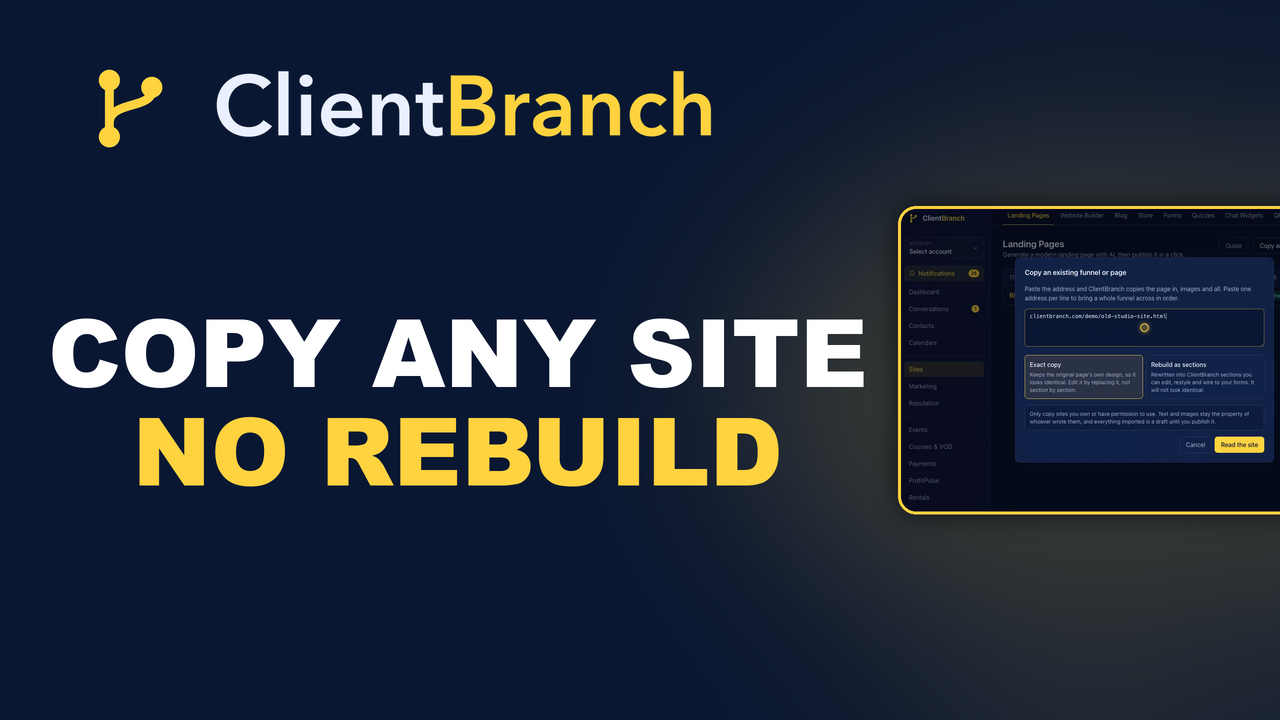
How to Move Your Funnel to a New Platform Without Rebuilding It
Rebuilding every page is the reason most people stay on software they have outgrown. Here is how to copy a website or funnel into ClientBranch from its address, images and all.
There is a particular kind of stuck that has nothing to do with price. You know the software you are on is wrong. You have known for a year. You stay anyway, because somewhere in that account are eleven pages, a funnel that took a weekend to lay out, and a booking button that finally converts. Moving means building every one of them again, by hand, at night, while the business carries on needing you.
So you renew. That is the real reason people stay on a platform they have outgrown, and it is the reason ClientBranch can now copy a page you already have, straight into your account, from its address.
What copying a page really involves
Paste a web address into ClientBranch and it fetches that page, reads it, and brings it in. It works with HighLevel, ClickFunnels, Wix, Squarespace, WordPress, Kajabi, or a site somebody built for you years ago and never touched again. You do not need a login to the old platform, an export file, or a plugin. If the page is public, it can be copied.
What lands in your account is a real page on your own hosting, with your own images, ready to publish on your own address.
Two ways it can arrive, and they are not the same
You choose how the page comes across, and the choice matters more than it first appears.
An exact copy keeps the original page's own markup and styling. It looks identical, down to the fonts, the spacing and the shape of the buttons. This is what you want when you are switching platforms and the page already works. You are moving house, not redecorating.
A rebuild converts the page into ClientBranch sections instead: a hero, a features row, pricing, an FAQ. Every part is then editable, restylable, and can be wired to your booking calendar and forms. It will not look identical, because our components draw it. This is what you want when you were going to rework the page anyway.
Nothing stops you doing both from the same address and keeping whichever you prefer.
Your images stop being their images
This is the part that decides whether the copy survives. Most importers leave a page pointing at the old platform's servers for its pictures. It looks fine on the day. It breaks the morning you cancel the account, and you find out from a customer.
ClientBranch copies every image and every stylesheet onto your own storage as it imports. The copy stops depending on the account you are leaving, which is the whole point of leaving it.
The scripts do not come with it
Everything the old platform ran in the browser is stripped out when the page is captured, and blocked again when the page is served. A copied page cannot run somebody else's code on your domain. That is deliberate, and it is worth understanding what it means in practice.
Anything drawn by JavaScript will not appear: countdown timers, chat bubbles, review carousels, and their custom video player. On most funnels the video is the notable one, so you add yours back in a click, from Bunny, YouTube, Vimeo or a file. Their forms come across as markup but are made inert on purpose, since a form pointing at somebody else's endpoint would swallow your leads in silence.
A whole website, or a funnel one step at a time
Paste a home page and ClientBranch reads the site's menu, lists the pages it found, and lets you tick the ones you want and pick which becomes your home page. Paste one address per line and you get a funnel in order, with the links between the steps repointed at the new pages, so step one still leads to step two.
The part nobody thinks about until it bites
A copy can look perfect and still be tied to the account it came from. The booking button opens their calendar. A review widget is served from their API. Fonts load from their CDN. None of this shows on the page, and all of it fails the day you cancel.
So every copy has a Leftovers panel that lists exactly that: links and widgets still served by the old platform, files still loading from their servers, and links pointing back at the site you copied. Each one has a fix beside it. Repoint a link at your own booking page, replace or remove a widget, or copy every remaining file onto your storage in one click.
Buttons that look perfect and do nothing
Here is a trap worth knowing about even if you never copy a page. Page builders keep a button's destination in their own settings, not in the page itself. Copy the page and you get a button that looks exactly right and goes nowhere, because the address was never there to copy.
No importer can recover that, so ClientBranch finds them instead. Leftovers lists every button with no link and lets you point each one at your booking page, form or quiz. On the first real funnel we moved this way, two of the three calls to action were dead in the copy, and nothing on the page said so.
A copy is not frozen
Once it lands you can edit it. Rename it, choose its public address, rewrite any wording on the page from a searchable list, and replace any image from the same picker the page builder uses. The layout and the styling stay exactly as captured, which is the reason you chose an exact copy in the first place.
You can also set where every button goes and whether it opens in a new tab, with one switch for the whole page. On a funnel that is usually what you want, because a visitor who clicks through to your booking page still has your offer open behind them.
Their widgets become yours
The Sections panel lists what the page is made of, so you can drop a block you do not want, or swap one for the ClientBranch equivalent. Their survey becomes your quiz, capturing leads into your CRM. Their booking widget becomes your calendar. Their review widget becomes your reviews, on your own reputation system.
That is the difference between a copy and a migration. The page looks the same to a visitor, and everything behind it belongs to you.
Nothing goes live until you say so
Every page arrives as a draft. You look at it, fix what needs fixing, publish when you are ready, and the old page carries on serving customers in the meantime. There is no window where both are half live and you are hoping.
Start with the page that scares you
Not the easy one. The page with the video, the offer stack and the booking button, the one that has been holding you on that platform. Paste its address and see what comes back in thirty seconds. If it looks right, the reason you were staying has gone.
Copying an existing site is included on every ClientBranch plan that has landing pages. There is a full walkthrough on the help article, and the video above shows the whole thing end to end, from a pasted address to a published page.
Try ClientBranch free for 15 days
Get booked, get paid, and keep clients coming back, all from one place. No card required, cancel anytime.
Start my 15-day free trial