
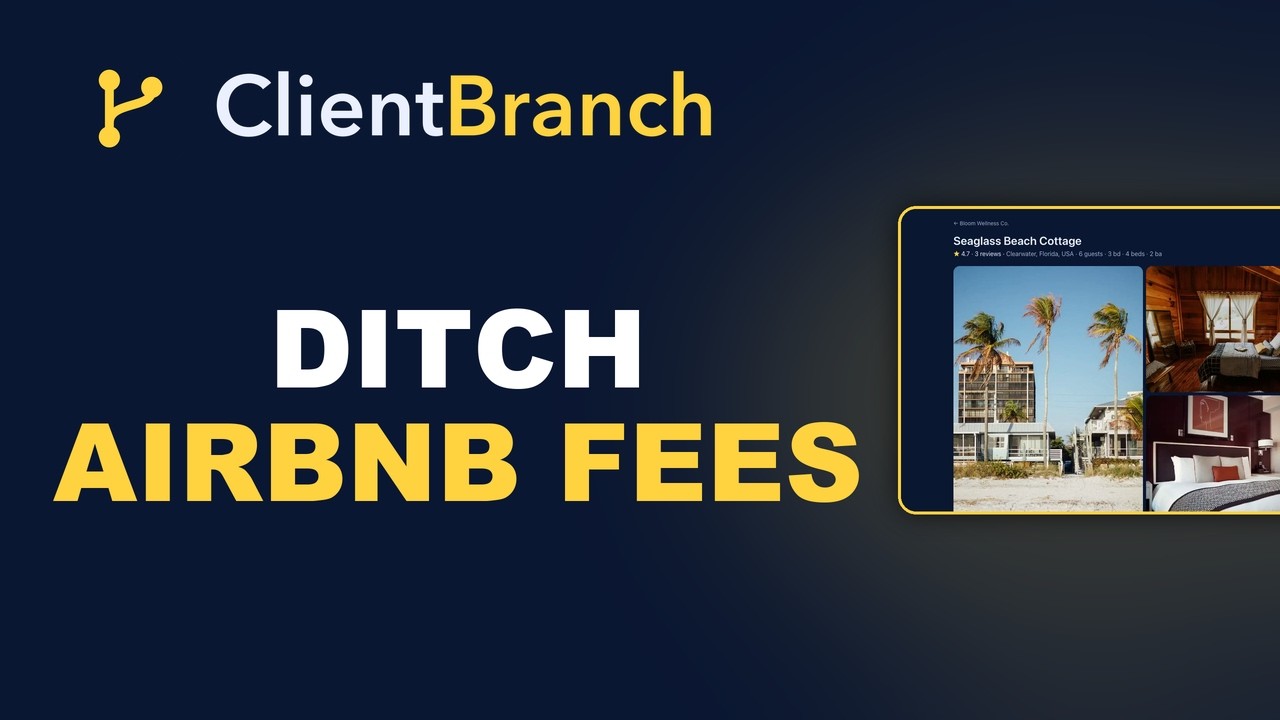
How to Run Your Whole Rental Business Without Airbnb Fees
A full walkthrough of StayBranch: list your property, take commission-free bookings on your own site, automate guest messaging and check-in, sync your Airbnb calendar, and run cleaning on autopilot for $29 a month.
Every Airbnb booking you take hands roughly 15 percent of your money to a marketplace. On a place that earns $30,000 a year, that is $4,500 gone, every year, for a listing page and a calendar. StayBranch exists to take that money back. It gives you your own booking site, card payments straight into your Stripe account, automatic guest messaging, Airbnb calendar sync, and a cleaning operation that runs itself, for $29 a month.
The video above walks through the entire system on a real account. This post covers the same ground step by step, so you can follow along as you set up your own.
Step 1: Sign up in two clicks
Go to staybranch.com and hit Start free trial. That is it. StayBranch on its own is $29 a month after the trial, and it covers unlimited properties, the booking site, payments, guest messaging, calendar sync, and cleaning management.
StayBranch runs on ClientBranch under the hood, so if you also want the full CRM, invoicing, email and SMS marketing, and a website builder around your rentals, you can step up to the ClientBranch Growth plan at $97 any time. Same login, same data, nothing to migrate.
Step 2: List your first property
Everything lives under Rentals in the left menu. Click New property and one form handles the whole listing: the type (house, condo, private room, cabin, even an RV lot or campsite), a title and description, photos, location, sleeping capacity, and house rules.
Two details worth doing properly on day one:
- Taxes and fees. Enter your nightly rate, cleaning fee, tax rate, and an optional refundable damage deposit once. Every quote a guest ever sees calculates them automatically.
- Guest experience and check-in. Add your Wi-Fi details, door codes, parking notes, an emergency contact, and a mini guidebook. You fill this in once, and StayBranch delivers it to every guest at exactly the right moment. More on that below.
Step 3: Set smart pricing
One flat nightly rate leaves money on the table. Open Smart pricing on any property and stack rules: charge more in high season, bump Fridays and Saturdays, discount week-long stays, add last-minute or gap-night deals. You set the rules once, and every quote applies them in the right order, per night, automatically.
Step 4: Turn on your booking site
Rentals, Settings, flip the booking site live. You get a clean storefront with all your listings, search and filters by date, party size, property type and price, and a map view with city-level pins so your exact address stays private until someone books.
Each listing page shows the gallery, amenities, house rules, cancellation policy, and guest reviews. Listings also ship structured data for search engines, so Google can show your place as a rich result. This is your direct channel, zero commission, on your own brand.
Step 5: Take bookings and get paid
Guests pick dates and see a live, itemized quote: nightly rate with your pricing rules applied, cleaning fee, taxes, total. With instant book on, they pay by card right there and the booking confirms itself, day or night. Prefer to vet guests first? Switch to request-to-book and approve each one.
Payments run through your own Stripe account, so the money lands with you, not a marketplace. And the damage deposit works the way Airbnb does it: an authorization hold placed the day before arrival and released after checkout. Guests never see a charge unless something breaks.
Every reservation lands in your Bookings tab. Cancel with one click and StayBranch refunds the guest through Stripe, releases the deposit hold, reopens the dates, and emails them, all in one go.
Step 6: Let guest messaging run itself
Every confirmed guest gets a personal trip page, no app, no login. It shows their dates and total, and, from three days before arrival, their check-in details: door code, Wi-Fi, parking, house rules, and your guidebook.
Around that page, four automatic messages do the work you used to do by hand: a booking confirmation the moment payment clears, a pre-arrival message the day before check-in, a review request after checkout, and a cancellation notice if a stay is called off. Each one goes by email and text, and every subject, body, and SMS is fully editable, or you can start from a ready-made template.
Step 7: Sync your Airbnb calendar
Keeping Airbnb while you build your direct channel? Good, that is the smart play. On the Calendar tab, copy your StayBranch calendar link into Airbnb so it can never double-book you, and paste Airbnb's iCal link into StayBranch so their bookings block your dates automatically. It refreshes every hour, hands free.
The calendar gives you one master view across every property: gold for direct bookings, blue for synced platforms, white for dates you have blocked yourself.
Step 8: Put cleaning on autopilot
Turnovers are where rental owners drown, so this is where StayBranch does the most work for you:
- Auto-scheduled turnovers. Assign a cleaner to a property once. Every booking, from your site or from the Airbnb sync, schedules its turnover clean on the guest's checkout date automatically.
- Notifications and reminders. Your cleaner gets an email and text when a new job books, and a reminder three days before each clean.
- A login-free cleaner portal. Send your cleaner one private link. They see their jobs in order, tap an address to open Google Maps, and mark each clean done with one tap.
- Supply requests. Running low on paper towels? The cleaner flags it from their phone, you get an email, and the request sits on your Cleaning tab until it is ordered and done.
- Manual cleanings. Booking came in over the phone? Add a cleaning puts it on the schedule in seconds.
- A full message log. Every job alert, reminder, schedule, supply request, and one-off message is logged, so you never scroll through months of texts wondering what you agreed to.
Step 9: Collect reviews, and bring your old ones with you
Every completed stay triggers a review request automatically. You can respond publicly or hide anything unfair. And if you have years of five-star history on Airbnb or VRBO, import those reviews so your direct listing never starts from zero. Imported reviews show their source right on the listing.
What it costs
StayBranch is $29 a month at staybranch.com, with a free trial and no card required to start. One booking a year typically covers the subscription many times over compared to marketplace fees. If you want the rentals engine plus the full CRM, invoicing, marketing, and website builder, it is all included in ClientBranch Growth at $97.
List your first property this afternoon, and keep one hundred percent of your next booking.
Try ClientBranch free for 15 days
Get booked, get paid, and keep clients coming back, all from one place. No card required, cancel anytime.
Start my 15-day free trial