
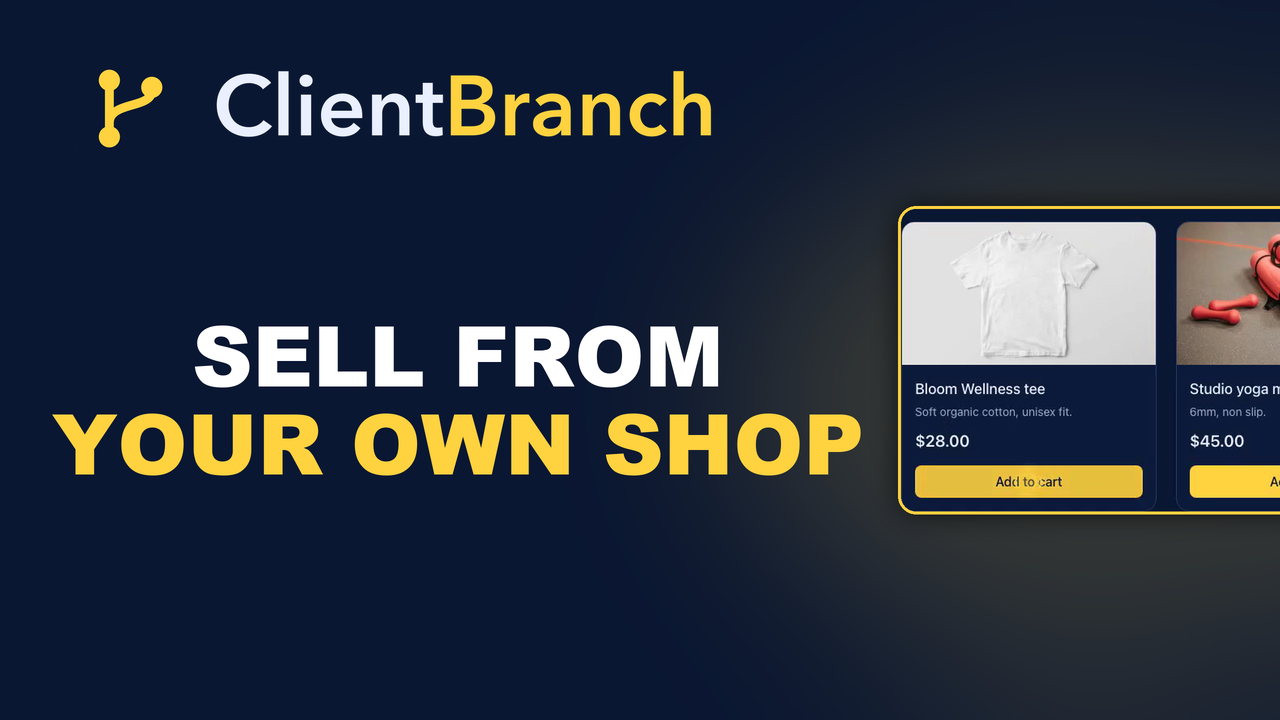
Sell From Your Own Shop and Keep the Whole Price
A page per product, search and filters, sizes and stock, reviews with verified buyers, downloads, postage with tracking, and carts that come back. Your shop, your Stripe, your customer.
There is a moment at the end of every gig, every workshop, every market stall, where somebody asks the best question you will hear all day: "where can I buy that?"
And a lot of small businesses answer it badly. They point at an Etsy shop. They say "message me on Instagram and I'll sort you out." They take a name on a piece of paper. Every one of those answers works some of the time, and every one of them loses the sale the rest of the time, because the person asking is at their most willing right now and slightly less willing every hour after that.
The cut is not the expensive part
Most people think about selling on a marketplace as a fee problem. It takes a slice of every sale, and the slice is annoying, and that is where the thinking stops.
The fee is the cheap part. The expensive part is that the person who bought from you is not your customer. They are the marketplace's customer, who happened to buy your thing. You do not get their email. You cannot email them when the new batch lands. You cannot see that they have bought from you four times and treat them like somebody who has bought from you four times.
You spent years building an audience, and at the exact moment somebody in that audience puts their hand in their pocket, you hand the relationship to a website you do not own. Then you rent it back every time you want to reach them.
Your shop, your Stripe, your buyer
The Store in ClientBranch is a hosted shop for everything in your Products catalogue. Shoppers add to a cart and pay by card, exactly as they would anywhere else. Two things are different, and they are the two that matter.
The money goes straight to your own connected Stripe account. Not into a balance somebody else holds and pays out on their schedule, after their cut. Your account, your payout, the whole price.
And every buyer is saved to your Contacts automatically at checkout, with the purchase on their timeline. Click the customer name on any order and you are looking at a real contact record. Which means the hundred people who bought from you this year are a list you can email about the new thing, rather than a hundred rows in somebody else's dashboard.
Turning it on takes about ten minutes
There are four steps and none of them are hard.
First, connect Stripe under Payments, because that is what lets you take card payments at all. If you have already taken a deposit on a booking, this is done.
Second, go to Payments, then Products, and tick Show in my online store on each thing you want to sell. This is deliberate. Turning the store on does not push your whole catalogue live, so the private packages and the one off prices you quoted somebody last year stay where they are. Only what you tick shows up. Add a photo to each one while you are there, because a shop with no pictures does not sell.
Third, open Sites, then Store. Give it a name and a link, pick your currency, turn it on, save.
Fourth, hit View store and look at it. That is your shop, live on the internet.
Make it look like a shop rather than a list
A bare product grid on a white page reads as a spreadsheet, and people do not get their card out for a spreadsheet. The Design card gives you the frame around the products.
Add a hero image and you get a full width banner behind your headline, which is the single biggest difference between looking like a business and looking like a test page. Use a photo of the actual thing, or of you doing the thing.
Add header links across the top so a shopper can get back to your website, or over to your booking page. Somebody who came to buy a t-shirt and leaves having booked a session is a much better outcome than a t-shirt.
Add footer text and links for the bottom of every page. Refund terms, contact, socials. Every field is optional, and an empty field simply does not appear, so you are never fighting to remove something you did not want.
Collections, for when a list gets long
Once you are past about eight products, one flat list stops working. Collections group products into named sections: Apparel, Sessions, Gift cards, whatever your shop is made of.
Create the collection, then file each product into one from the dropdown next to it. The storefront renders each collection as its own titled section, in the order you created them, and anything you have not filed lists first with no title above it. That last detail is useful: leave your best seller uncollected and it sits at the top of the shop.
Deleting a collection never deletes the products in it. They go back to being uncollected. So you can reorganize the shop for Christmas and take it apart in January without touching a single product.
Every product gets a page of its own
A grid of tiles is a catalogue. It is not a shop. Nobody has ever been talked into a hundred pound purchase by a thumbnail and a price.
So every product has its own address now, /shop/your-store/p/the-thing, which means you can link straight to one item from an ad, an email, a text message or a post, and land somebody on the thing itself rather than on the front door with a hunt ahead of them.
On that page you get a gallery rather than one photo, a video if you have one, and as much copy as the thing deserves. The long description only shows there, never in the grid, so you can write properly without turning your shop front into a wall of text. There is a breadcrumb back up to the collection, and a row of related products underneath, because somebody who is interested in one of your things is usually interested in two.
Underneath, every product page ships with proper structured data, the markup that lets Google print your price and your stock state directly in the search result. Your shop also has its own sitemap listing every product and every collection, so a new item gets found on its own instead of waiting for somebody to link to it. That is normally a paid app.
Search, sort, and a shop that can hold five hundred things
Once a shop gets past a screenful, the job stops being display and starts being navigation.
Shoppers can search your catalogue, sort by price or by name or by top rated, and filter by price range. All of it lives in the web address, which sounds like a technical detail and is not: it means "everything under thirty pounds, cheapest first" is a link you can send to somebody who told you they were on a budget. Long catalogues page automatically.
Collections became real pages too, each with its own address, its own heading and its own picture, shown as a row of doors at the top of the shop rather than as headings buried down a page nobody scrolls.
Sizes, options, and knowing when you have run out
A t-shirt is one product with four sizes. It is not four products. Selling it as four splits the reviews four ways, splits the reporting four ways, and gives you four URLs where you wanted one.
So a product can have options now. Name the choice, Size or Colour or Format, then add each one with its own price if it differs, its own SKU, and its own count. Leave the price blank and it uses the product price. Leave the count blank and nobody counts it.
Set a number and it goes down on its own as orders are paid. At zero that option shows as sold out and cannot be bought, and when every option is gone the whole product shows as sold out. The count comes off at the moment the payment clears, in a single step the database will not let two people win at once, so the last shirt cannot be sold twice by two people checking out at the same moment. If it somehow happens anyway, you get told, rather than finding out when one of them emails you.
Reviews, and the stars that show up on Google
Shoppers can leave a review on any product page, and that matters twice over. It sells the product to the next person, and it puts a star rating into your search result, which is the difference between a listing people click and a listing people scroll past.
They land in the same queue as the rest of your reviews, so there is one place to work through rather than two. Nothing appears until you approve it, unless you would rather it went straight up. A low score is treated the way ClientBranch has always treated one: it goes to you as private feedback and the shop never shows it.
Verified buyer is checked rather than claimed. The badge only appears when that email address really has a paid order containing that product, which is the only thing that makes a badge worth anything. And you can reply publicly, underneath the review, which is worth doing: a good answer to a bad review sells better than the review costs.
Selling a file instead of a thing
Plenty of people reading this have something to sell that does not need posting. An audio session, a workbook, a template pack, a set of photographs.
Tick this is a download on a product and attach the files. You can upload them, or paste a link to files you already host somewhere, which matters if your catalogue is already sitting on Dropbox or your own site and you do not fancy moving forty gigabytes to try something out.
The buyer pays, an account is made for them, and the file sits in that account for good. They download it as many times as they like, on as many devices as they like, years later on a new phone. No address is asked for at checkout because there is nothing to post, and the order marks itself done the moment it is paid.
The part worth understanding: access points at the product, not at a snapshot of it. Add a track to a pack six months from now and everybody who already bought that pack gets the new track too, with nothing to send and nobody to chase. That is a real reason to buy from you early rather than wait.
A download, or a course?
Worth drawing the line, because people get this wrong and then fight the tool.
The store is for anything somebody buys once and keeps. A physical thing you post, or a file they download. If what you are selling is a course somebody works through, or a video they stream or rent, that is a different module: Courses and VOD, which gives you lessons, drip scheduling, progress, certificates, rentals, comments and a proper player. None of which a PDF needs, and all of which a course does.
You can run both, and plenty of people do. It is the same buyer and the same login either way, so somebody can own a download from your shop and a course from your academy and find both sitting in one account. What you should not do is ship a course as a zip file because the shop was the first thing you found.
Postage, and the question every shop gets asked
If you post things, you can now charge for it properly. Set up your postage options, a name and a price and optionally free over a certain order value, and the buyer picks one at checkout on the same screen that takes their address. Apple Pay and Google Pay behave exactly the same way. A cart of downloads never sees an address form or a postage charge at all, even if you sell physical things too.
Then there is the question every small shop gets asked more than any other, which is where is my order. Marking an order sent now takes a carrier and a tracking number, and works out the tracking link itself for Royal Mail, USPS, UPS, FedEx, DHL, Evri and DPD. The buyer gets an email with a track your parcel button on it.
Every order also has its own page for the buyer, linked from their confirmation, showing where it has got to and what was in it. That page answers the question without them having to ask you, which is worth more than it sounds when you are the person who has to answer.
The carts people walk away from
Most carts are abandoned. That is not a sign anything is broken, it is just how shopping works, and those people are the warmest audience you will ever have: they chose the thing and reached the payment screen.
If somebody gets as far as entering their email and then leaves, they get one email with a link that reopens the exact checkout they walked away from. Not a rebuilt cart, the same one. One email, ever, because nobody has ever been won back by the fourth.
Packages, so people buy the bigger thing
Packages are bundles you build in Products, and they sell on the store like any other item. The storefront lists everything the package includes, so a buyer sees the whole value in one block rather than doing arithmetic across three separate products.
This is the quiet money in most small businesses. Somebody who was going to buy one session will often buy a block of four if the block is sitting there priced and explained. They will almost never assemble that block themselves.
What happens after somebody buys
Every paid order lands under Sites, then Store, with the customer, the items, the postage and the total. Every buyer is saved to your contacts automatically, with the purchase on their timeline, so the next time they get in touch you know exactly what they have bought from you and when.
The buyer gets a confirmation automatically, and you get a heads up on every sale. Orders where somebody started checkout and never paid can be cleared out, and so can cancelled ones. Paid and refunded orders cannot be deleted, because those are financial records and you will want them at the end of the year.
Then put the link everywhere
A shop nobody can find sells nothing, and this is the part people skip.
Put it in your Instagram bio. Link it from the menu of your website. Put it in your email signature. Print a QR code that opens it and stand it on the merch table, so the answer to "where can I buy that" is you pointing at a thing on the table instead of a conversation about Instagram handles.
Because that is what this is for. Not to compete with Amazon. To make sure that when somebody in front of you wants to give you money, the distance between that feeling and the money arriving in your account is one tap, and the person on the other end of it becomes somebody you can talk to again.
Start your free trial of ClientBranch and have your shop open before the end of the day.
Try ClientBranch free for 15 days
Get booked, get paid, and keep clients coming back, all from one place. No card required, cancel anytime.
Start my 15-day free trial