
Your Clients Get 300 Emails a Week and 10 Pieces of Mail
Send Postcard puts you in the mailbox instead of the inbox. Pick a client, add a photo, write a note, and a real printed card is stamped and mailed for you from $3, straight out of your CRM.
Think about the last piece of mail that made you smile. Not a bill, not a flyer wedged under the door. An actual card, with a photograph on the front and somebody's handwriting on the back. You probably still know where it is.
Now think about the last marketing email you opened. You can't, and neither can your clients, because it went into the same pile as the other forty that arrived that morning.
That gap is the whole idea behind Send Postcard, which is now in your ClientBranch menu. Pick a client, pick a photo, write a note, and a real printed postcard gets made, stamped and put in the mail for you. No printer, no post office, no stack of stamps in a drawer. Three dollars, from the contact list you already keep.
A real card, sent from the screen you already work in
This is not an email designed to look like a postcard. It is card stock, printed in full color, with your photo on one side and your message on the other. It goes through the mail the way any card does and it turns up in a mailbox a few days later, with nothing to open and nothing to click.
What makes it different from every other way of sending mail is where it starts: inside your CRM, on top of the client records you already have. The person, their address, their birthday, the tag that says they are a VIP, all of it is already sitting there. Send Postcard just uses it.
Why paper works right now
The math is not complicated. Your client gets somewhere between a hundred and three hundred emails a week and about ten pieces of mail. Every business they have ever bought from is competing for the same inbox, and almost none of them are competing for the mailbox.
Then there is what happens after. An email is read once and deleted. A photo card gets propped on a shelf or stuck to a fridge, and it keeps working every time somebody walks past it. Your name, your logo, your face, in their kitchen, for months.
And it is disarming in a way digital marketing stopped being years ago. A card says somebody chose you specifically, wrote something, and paid to post it. Nobody has ever thought that about a bulk email.
The whole thing takes about two minutes
Open Send Postcard in the left menu and start typing a client's name. Pick them out of the list and their mailing address fills itself in. Choose a size, drop in a photo and drag to frame it, write the note, choose a handwriting style, and press send.
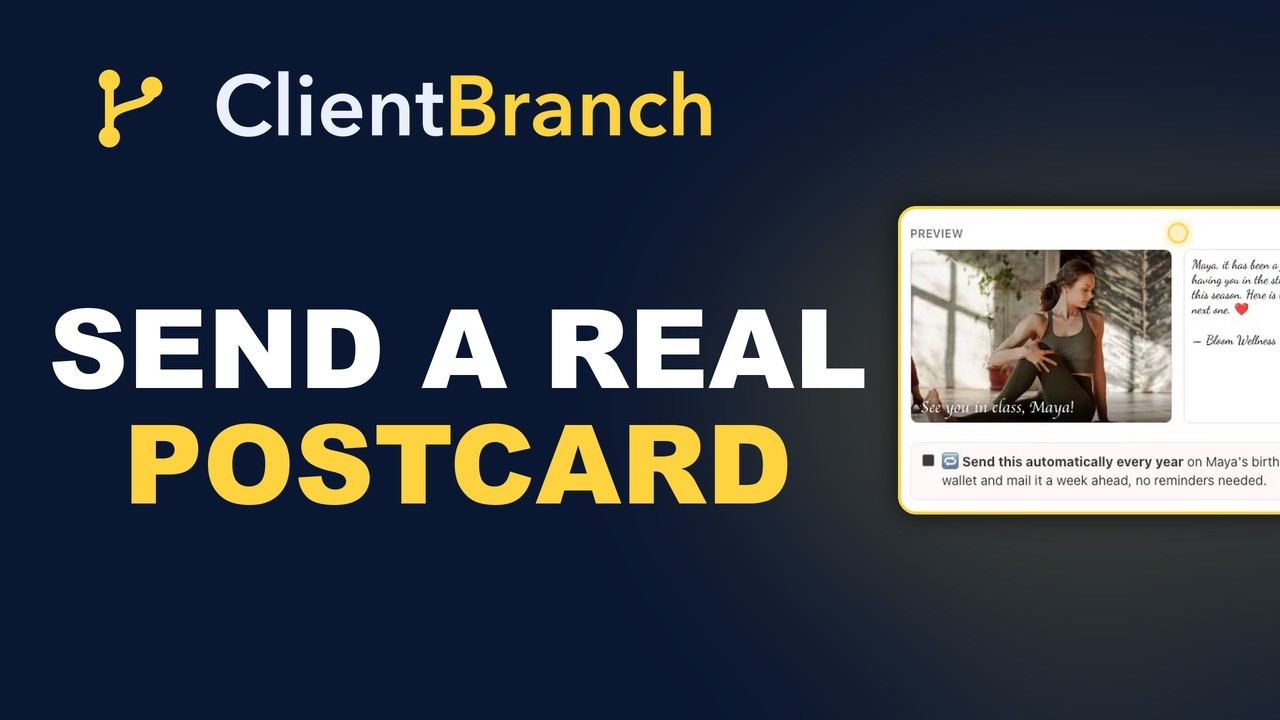
Above the button you get a live preview of both sides of the finished card, so you can see exactly what the printer is going to produce: the photo, your caption across the front, the message in the handwriting you chose, the stamp and the address block. There is no guessing and no proof to approve.
Your address book fills itself in
The first time you mail somebody, you type their address once. It saves straight onto their contact record, so every card after that is a name and a click. A year of sending cards and you have a proper mailing list without ever having sat down to build one.
Addresses in the United States are checked against the postal database as you enter them, so a typo or a dead address gets caught before you pay rather than after the card has already been printed. You can also fill an address in by hand on any contact record, under Mailing address, and international addresses work too: the four by six mails to over 240 countries.
One client, or a whole tag
Sending one card is the easy version. The interesting one is switching to A group and picking a tag.
Every contact carrying that tag who has a mailing address gets the same card, and the picker tells you how many that is before you commit. Put first name into the message and each one comes out written to that person, not to a list. Fifty go out per run, the total is priced up front and checked against your wallet, and anything the printer can't take comes straight back to you as a refund.
That is a Christmas card to every client, a thank you to everybody who referred somebody this year, or a we miss you to the lapsed list, done in the time it takes to make a coffee.
Birthdays you stop missing
Contacts in ClientBranch hold a date of birth, and now they hold occasions too: a wedding anniversary, the day somebody became a client, the anniversary of whatever you helped them through. Fourteen days before any of them, ClientBranch tells you, in the dashboard and in a daily email, with a link that opens a card for that person.
Fourteen days is deliberate. It is enough time to make the card, print it and have it land before the day instead of a week after it.
If you would rather not think about it at all, tick send this automatically every year while you are making the card. From then on the same card goes out about a week ahead of their birthday, every year, charged to your wallet, with nothing for you to remember. Your clients get a card from you for the rest of the time they know you, and you never do anything again.
Mail it on the day you choose
You can also hold a card. Switch to Pick a date and choose any day up to six months out, and it gets printed and mailed that morning.
This is how seasonal mail should work. Make the holiday card in October while you have time and taste, schedule it for the first week of December, and forget about it. Make the birthday cards for the whole quarter on a quiet Tuesday. The work happens when you have the space for it, and the cards arrive when they matter.
It is your card, not ours
Cards sent from your dashboard carry your business address on the back and print your logo on them, which is the part almost nobody else is doing. A card that gets kept keeps advertising you.
When something needs to be personal instead, open the return address on the send page, put your own name in, untick the logo, and it goes out as you rather than as the company. Six handwriting styles to pick from, and emoji print in full color.
You can see exactly where it is
Every card is tracked from the press to the mailbox, and tracking costs nothing extra. The tracker page walks four stages: in the mail, in transit, out for delivery, delivered, with the expected date. It is a normal web page, so you can bookmark it or pass the link to whoever asked.
You get an email receipt showing the printed card the moment it goes, and another one on the day it lands. View sent lists every card the account has ever mailed with its thumbnail, the recipient, the price, the date and its delivery status. And each send writes a note onto that client's timeline, so six months later the card sits in their history beside the emails, the appointments and the payments.
What it costs
Three dollars for the standard four by six, five for the large six by nine, and seven for the six by eleven photo greeting card, which is the size nobody puts down. International cards are five dollars flat. Printing, the stamp, first class postage, address verification, tracking and the delivery emails are all inside that price.
It comes out of your wallet balance one card at a time. There is no monthly fee, no minimum, no plan to upgrade to, and nothing to cancel. It is on every plan and on the free trial.
You do not need an account to send one
Anyone can make a card at app.clientbranch.com/postcards with no login and no signup. Upload a photo, write your message, type an address, pay by card at the checkout, and it goes in the mail. Same printer, same three sizes, same option to hold it for a future date. Pass the link to a customer who wants to send their own.
What the standalone page cannot do is know anything about the people you send to, and that is the whole difference. It is worth being plain about:
- Without an account: you type the address every single time, you pay per card at a checkout, and nothing is remembered once the card is gone.
- Inside ClientBranch: you pick a client by name and the address fills itself in, because it saved the last time you sent. You can mail the same card to everybody carrying a tag. You get the birthday and occasion reminders. You can set a card to repeat every year on its own. Your logo and return address print on the back. The send lands on that client's timeline, and it comes out of your wallet with no checkout to sit through.
One is a nice way to post a photo to somebody. The other is a retention channel wired into your customer list. Both print exactly the same card.
Five moments worth three dollars
- After a first session. The card lands two days later, while they are still deciding whether you are the one they stay with.
- After a referral. Somebody sent you a client. An email says thanks. A card says you noticed.
- The client who drifted. Your emails to them stopped being opened a long time ago. A card has not been ignored yet, because you have never sent one.
- The end of a program. A photo from the day, a line about how far they came, and something they will keep.
- Their birthday. Tick it once and it looks thoughtful forever.
Send one today
Open Send Postcard, pick the client you most want to hear from again, and send them a photo of something you did together. It takes two minutes and costs three dollars, and it will be sitting on a shelf long after this week's email has gone.
The full walkthrough, including group sends, reminders and automatic yearly cards, is in the Send Postcard guide.
Try ClientBranch free for 15 days
Get booked, get paid, and keep clients coming back, all from one place. No card required, cancel anytime.
Start my 15-day free trial