
A Contact List You Cannot Slice Is Just A Phone Book
VIP, vip and V.I.P. all living side by side is why nobody trusts their own CRM. Here is how tags should work, and how to fix the mess you already have.
Open most small business contact lists and you find several hundred names in one long column, sorted by nothing in particular.
It is not a list. It is a phone book. You can look somebody up if you already know their name, and you can do almost nothing else with it.
The thing that turns it into an asset is boring and slightly unglamorous: labels.
What a tag is for
A tag is a word you stick on a person. VIP. Corporate. Nutrition. Waiting list. Deep tissue.
Companies group people by where they work. Tags group them by anything else you care about, and one person can carry as many as you like. That is the whole concept, and its usefulness is entirely in what you do next.
The test for a good tag
A tag earns its keep when it describes something you would act on.
Deep tissue is a good tag, because one day you will email everybody who books it about a new therapist or a Tuesday offer. Nice person is not a tag, it is a note. If you cannot imagine sending a message to everybody carrying a label, do not create the label.
Three places tags come from
You type them on somebody's record, one at a time, which is how most tags start.
You tick a batch of contacts in the list and tag them together, which is how you catch up on a backlog.
Or a form or a quiz applies them on its own. That is the one that does the work while you are asleep. A quiz tags people with the result they got, so your list segments itself every time somebody takes it.
The library, and the number next to each one
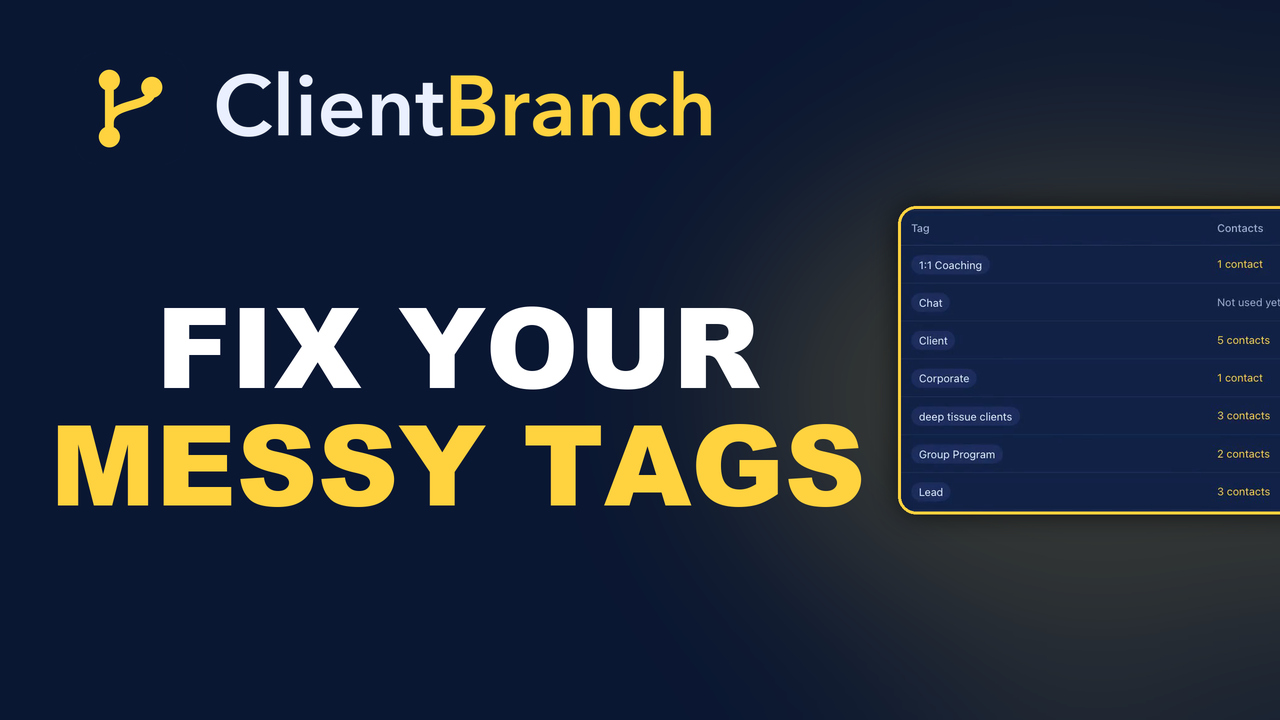
Under Contacts there is a Tags screen: the whole library in one place, with the number of people carrying each one beside it.
That count is not decoration. It is a link. Click it and you land in your contacts, already filtered to exactly that group, ready to save as a smart list or send as a campaign.
It is also a quiet audit. A tag with one person on it is usually a typo. A tag with two hundred is probably not specific enough to be useful.
The mess everybody has
Here is what happens to every tag library left alone for a year. Somebody types vip. Somebody else types VIP. A third person, feeling formal, types V.I.P.
Now you have three tags, three partial lists, and a segment that is wrong no matter which one you pick. This is the single most common reason people stop trusting their own CRM, and it never announces itself. It just quietly makes every send slightly wrong.
Renaming fixes it everywhere at once
On the Tags screen, rename is not cosmetic. Rename a tag and it is rewritten on every contact carrying it.
So the fix for three spellings is: rename two of them to match the third. Three clicks, no records opened, and your segment is whole again.
Do that once a quarter and the library stays honest. Leave it and you will eventually rebuild the list from scratch, which is a much worse afternoon.
Deleting is safer than people think. Deleting a tag takes it off every contact. It does not delete anybody.
Worth saying because fear of losing contacts is exactly why nobody ever cleans up. You can throw away a bad label without any risk to the people who were carrying it.
Tags are not permission
This one matters legally as well as practically. A tag is a label you applied. It is not consent.
Somebody tagged Newsletter who has unsubscribed stays unsubscribed, because ClientBranch puts their choice above your label. Tag people all you like; the unsubscribe still wins.
Starting from nothing
If you have no tags at all, do not try to design a taxonomy. Pick three you would use this month.
For most service businesses that is: what they buy, how they found you, and how good a client they are. Three tags applied consistently beat fifteen applied occasionally, every single time.
Smart lists: the bit that stops it being manual
Filter your contacts by a tag and you can save that filter as a smart list. It is not a snapshot. It stays up to date as people are tagged and untagged, so the group grows without you touching it.
That is what makes a quiz tag genuinely powerful. Every person who takes the quiz joins the right smart list on their own, and the audience for your next campaign is already assembled by the time you sit down to write it.
Do not tag what the system already knows
A tag saying "bought a course" is redundant when the order already exists. A tag saying "has an appointment" duplicates the calendar. Those go stale the moment reality changes, and a stale tag is worse than no tag because it looks authoritative.
Tag what your business knows and the system does not: how they found you, what they are interested in but have not bought, and how you would rank them if somebody asked.
What it is all for
The end of this is not a tidy database. It is being able to write one email to the ninety people who would genuinely want to hear it, instead of a bland one to everybody or no email at all.
That is the difference between a list and an audience. A list is a record of everybody who has ever dealt with you. An audience is a group you can say something specific to, and expect a response, because you know what they care about.
The gap between the two is about twenty minutes of labeling.
Start your free trial and label your list the way your business thinks.
Try ClientBranch free for 15 days
Get booked, get paid, and keep clients coming back, all from one place. No card required, cancel anytime.
Start my 15-day free trial