
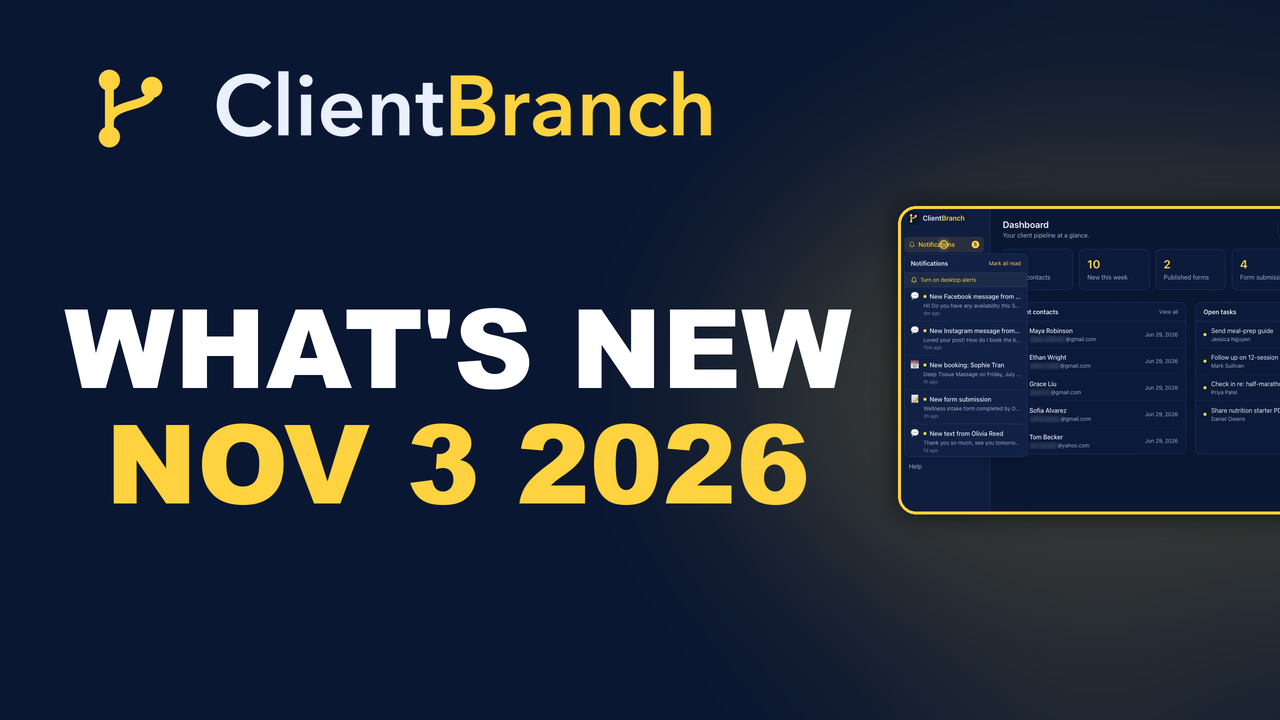
Weekly What's New in ClientBranch: November 3, 2026
You can now buy or transfer your domain right inside ClientBranch and run its email and DNS from Settings. Plus forged emails filed to Spam, blocked callers stopped, new Rentals tools and a richer course sales page.
This week brings one big addition and a handful of changes that make your day a little quieter. You can now buy or transfer your domain right inside ClientBranch, spam and blocked callers have a much harder time reaching you, Rentals hosts get new tools for each property, and your meetings and course pages look sharper. Here is everything that shipped.
Domains
Buy or transfer your domain inside ClientBranch
Open Settings > Domains and you can now buy a brand new domain, or transfer one you already own from GoDaddy, Namecheap or anywhere else. It is paid from your ClientBranch wallet and registered in your own name, so the domain is yours. It renews from your wallet 30 days before it is due, and you can switch renewal off if you prefer. When a transfer finishes, ClientBranch sends you an email so you know it is done.
The part most people worry about is email. Before a transfer, ClientBranch copies the email and website records your domain uses today, so your email keeps working through the transfer. Once the domain is with you, you can see, add, edit and delete your own DNS records, set up Microsoft 365, Google Workspace or Zoho Mail in one click, and press Use for my website to connect it to your ClientBranch website. You can also see and change nameservers, with a switch to go back to ClientBranch DNS, and add subdomains like shop.yourbusiness.com. Giving a website or landing page an address on a domain you hold in ClientBranch needs no DNS at all.
If you ever want to take your domain elsewhere, Get transfer code is there any time. For the full walkthrough, read Buy or Transfer Your Domain Into ClientBranch, see the Buy or transfer a domain help article inside the app, or watch the step by step tutorial.
Conversations and Calls
Forged emails go straight to Spam
Some spam campaigns pretend to come from a real company's support address, and they use a new address on every email, so blocking one never stops the next. ClientBranch now checks each incoming email against its sender checks. Mail that fails them is filed straight to Spam with no alert.
You do not need to set anything up. The result is an inbox that holds real messages from real people, and fewer fake alerts trying to get you to click.
Blocking a number now stops their calls too
Blocking someone in Conversations now covers phone calls as well as messages. A blocked caller hears a busy tone before anything rings. Your phone does not ring, no voicemail is left and no missed call text goes back to them.
To block a number, mark the thread as spam, then delete it from Spam. That is it. If you have a caller you never want to hear from again, this keeps your business line clear for the people who matter.
Website chats land in Conversations
When someone chats with you on your website, that chat now arrives in Conversations as an unread inbound thread. It sits right next to your email and texts, so you see it in the same place you already check every day.
Because it shows as unread, a new chat stands out. Reply while the visitor is still on your site and still interested, and you are far more likely to win the booking.
Rentals
A private Documents section on each property
Every property now has its own private Documents section. Upload leases, certificates, statements and letters, and keep them with the property they belong to. Large files are welcome.
You can view a document right on the page without downloading it first, and download or delete it whenever you like. When a guest, cleaner or inspector asks for something, it is one click away instead of buried in your email.
A Money ledger for each property
Each property also has a Money ledger to track income and expenses for that property. Add what comes in and what goes out, and see how each place is doing on its own.
If you host more than one property, this means no more separate spreadsheet per place. Your numbers live next to the bookings that created them.
Unlisted properties are link only, and blocked dates skip cleaning
An Unlisted property now works as link only. It keeps its own page, so you can still send that link to someone, but it is left off your storefront, hidden from search engines and can't be booked online. That is useful for a place you are still preparing or one you only rent to people you know.
Also, when you block dates in an iCal calendar, such as Airbnb Not available, ClientBranch no longer creates a turnover cleaning for those dates. Your cleaner only sees real turnovers.
Meetings
Better camera, mic and waiting room controls
Your camera now shows the full frame instead of cropping, so your face, hands and whatever you are demonstrating stay in view. There is a new mirror button to turn mirroring of your own camera view on or off, and the microphone button turns green and glows with your voice level, so you can tell at a glance that you are being heard. If you use Music mode, it now keeps the input you picked in the lobby, such as a mixer feed, instead of switching back to your computer's microphone.
You also have more say over how the waiting room looks. Choose your logo, a cover image or nothing above the waiting room video, and hide the business name and room title on the lobby when your cover image already shows them. The waiting room now fits the window, so nothing runs off the top of a short screen, and the call opens at the top when a guest joins.
Courses
A richer course sales page
Course sales pages now do more of the selling for you. There is a backdrop behind the hero, a band of key numbers, a look inside strip of real lesson frames, numbered modules with run times, bonuses shown as cards and a closing call to action. Bonus modules are listed but left out of the lesson and module counts.
On phones, an enroll bar stays at the bottom of the screen, module and lesson titles wrap instead of being cut off, and the Watch free button is easier to tap. Links you write in your description, who it is for, FAQ answers, bonus details and instructor bio now show as clickable links.
Automations
Stop a sequence on any of several tags
The exit field on an automation now accepts several tags separated by commas, and any one of them stops the sequence. For example, enter booked, customer, subscribed, and anyone who gets one of those tags stops receiving that follow up.
That means nobody who has already booked or bought keeps getting emails asking them to do it. Your follow up stays polite and relevant.
That is the week. If you are not using ClientBranch yet, start your free trial at clientbranch.com and try your own domain, your inbox and your booking tools together.
Try ClientBranch free for 15 days
Get booked, get paid, and keep clients coming back, all from one place. No card required, cancel anytime.
Start my 15-day free trial